 Ledgerlive
 manages crypto accounts while a Ledger device signs transactions
Updated -
Ledgerlive, now called Ledger Live, manages crypto accounts while a Ledger device keeps signing keys in protected hardware. The app reads blockchain balances, prepares transfers, and connects services for buying, selling, swapping, and staking. Support varies by asset, network, provider, and location. Direct transfers from device-secured accounts require approval on the device.
A missing local account list can leave the app empty even when assets remain at their blockchain addresses. Rebuilding that view uses public account information. Replacing a lost signing device requires the original recovery credentials or another applicable backup method.
Asset support must cover the Ledger device, the wallet interface, and the specific operation you want to perform.
Account discovery and a missing local account list
Adding accounts from a working device
With a working Ledger device, account discovery supplies the public account information that the app needs to display holdings. The device must have the appropriate blockchain application installed. Adding an account associates its addresses and blockchain history with the portfolio view. This process does not transfer assets or establish a new custodial account. The existing device remains responsible for signing transactions from those addresses.
Rebuilding the view after an app reinstall
After an app reinstall, an empty list calls for adding the existing accounts again with the original device or a replacement restored to the same wallet configuration. The device should retain its original wallet configuration because creating a fresh recovery phrase produces different keys. That new configuration would not reconnect the old accounts.
Account discovery identifies accounts associated with the device, while synchronization refreshes their blockchain information. A refresh delay can leave balances incomplete temporarily. The original transaction history remains on the blockchain, independent of any new receiving address requests.
Conditions for continuing, waiting, or stopping
- Continue when account discovery identifies the expected account and you confirm that the full receiving address in the app matches the one on the device.
- Wait while the app is still refreshing that account's blockchain history.
- Investigate a persistent refresh error before treating an empty display as an empty blockchain account.
- Stop if the device uses a different recovery phrase or passphrase from the one that controls the missing accounts.
- Reject any app or website that requests the recovery phrase on a computer or phone.
The restored account view is complete when the original accounts and their blockchain history appear again.
Key protection and the limits of transaction approval
For device-secured accounts, a private key authorizes transactions, and the Ledger device performs the signing operation within protected hardware. A signature is cryptographic evidence that the relevant private key signed particular transaction data. The app handles the connected interface and network communication without receiving that private signing key. Ledger devices create transaction signatures inside their Secure Element. The Secure Element is the protected chip that handles sensitive cryptographic operations.
Chip protection does not decide whether a recipient is trustworthy or a contract permission is appropriate, and a valid signature can authorize an unwanted transfer or spending permission. The device screen therefore has a separate purpose: reviewing the request before consenting to it. When enabled in Ledger Live, Transaction Check uses third-party simulations to flag potential risks before signing supported Ethereum-compatible transactions. Its assessment does not guarantee safety.
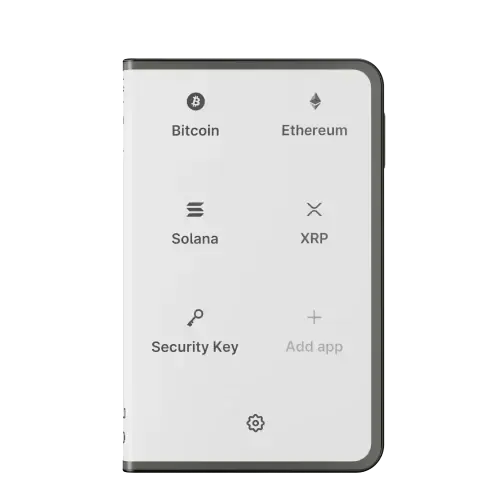
Address verification before a network-specific deposit
A receiving address must belong to the intended account on the network that the sender actually uses. The app presents receiving details, and the device's independent address display helps expose software that substitutes a different destination when the complete addresses differ. An asset name alone cannot establish that the sending and receiving networks match. Some assets exist on several networks, and an identical-looking address can belong to separate blockchain contexts.
Accessing a transfer on an unexpected network may require another compatible interface, with recovery dependent on control of the destination keys and support for that network. It can also fail when a custodial recipient does not support the deposit. The hardware does not reroute an incoming transfer.
Confirmation delays after a signed transfer
An outgoing transaction reaches the signing stage before the app submits it to the blockchain network. Approval on the device authorizes the transaction data; network submission makes that signed transaction available for processing. A transaction identifier alone does not establish confirmation or successful execution. Successful blockchain execution and the receiving service's confirmation requirements determine when a transfer counts as settled or credited.
Network load and the applicable fee mechanism influence processing time, so a fee estimate describes changing network conditions. Device signing remains a separate requirement for an ordinary transfer initiated through the app. Repeatedly approving transfers does not resolve a confirmation delay and can produce additional transactions. A service can also delay crediting a deposit after blockchain confirmation because it applies its own deposit rules.
Asset compatibility across device apps and wallet interfaces
The device application
A blockchain application on the Ledger device supplies the logic needed to derive addresses and sign compatible operations. Installing that application does not automatically add an account to the portfolio view. Hardware model, device software, and application availability affect compatibility. The software interface must also understand the relevant account type.
The visible account and available services
Ledger Live directly manages supported accounts and tokens, with functions for non-fungible tokens (NFTs) on supported networks. Device compatibility can extend beyond the assets that the app displays directly, which a compatible third-party interface may make accessible. Buying, selling, swapping, and staking each have their own narrower availability conditions.
Watch Mode provides another entry point: exploring portfolio tracking and market data before connecting a signer. Exploring rates or a simulated trade does not execute a transaction; managing a device-secured account requires its account information and its signing device for spending.
Does Ledgerlive require a subscription?
Ledgerlive does not require a subscription for the core Ledger Live app, which is free to download. A Ledger device is a separate purchase. Using the software also does not remove blockchain transaction costs or fees that integrated providers charge. Optional paid services have their own terms.
Provider terms behind buying, swapping, and selling
Integrated transactions use third-party providers whose eligibility rules determine which assets, countries, and payment methods they support. A purchase converts a supported payment into crypto delivered to the selected address. The provider carries out that conversion; the app supplies the interface and receiving account information.
Swap services exchange assets through the selected provider or protocol, using the same network or different networks where supported. The quoted output, network costs, service charges, and any minimum receiving condition describe that particular route. Key protection does not eliminate conversion costs or the route's execution risks.
Selling converts supported crypto into conventional currency through a provider. The provider handles the order, compliance requirements, and payout. Sending the sale transaction and receiving a bank payment are different outcomes. Provider processing and the payment method affect when that payout arrives.
A live quote can change as market conditions or network costs change. The relevant comparison is the amount expected at the destination after applicable charges, together with eligibility and payout terms. Receiving support for an asset does not imply that every integrated provider can convert it.
Staking commitments and smart contract permissions
Staking and other earning services
Supported staking services connect account holders to network participation or staking providers. Staking commits assets under the chosen network or service's rules. Delegation assigns a stake to a validator, the operator that helps verify blockchain activity. Available services can offer direct validator staking, delegation, pooled contributions, or liquid staking with a token representing the position. These methods introduce different minimums, commissions, and withdrawal conditions. Unbonding means the waiting period that can precede release of a stake. Earning services can also include lending, which uses a different mechanism and introduces different risks.
Hardware signing does not remove withdrawal queues, applicable validator penalties, or smart contract exposure that belongs to the selected arrangement.
App connections and readable authorization
The app connects to supported decentralized applications (dApps), which can use smart contracts, the blockchain code that applies programmed rules. Clear Signing translates supported transaction data into readable details on the device screen when the transaction and integration support it. Blind signing describes approval without a complete readable explanation; physical confirmation alone does not supply the missing meaning. A token approval grants a contract permission to move specified tokens from an account. That permission can enable later transfers without another device signature.
Software maintenance and account privacy
Compatibility depends on the app, device software, and installed blockchain applications working together. An outdated device software version can prevent installation of a required application update, which updating only the computer app may leave unresolved. The recovery phrase belongs in its protected backup; entering it for hardware restoration belongs on the Ledger device itself.
Account information also has privacy value even when it cannot sign transactions, because public addresses can reveal blockchain activity. An extended public key can expose an account's associated addresses and history. Portfolio exports and diagnostic material therefore deserve scrutiny before sharing. Protecting private keys does not make public blockchain records confidential.
Ledger Sync can synchronize account information between compatible app installations through encrypted sharing. It handles shared app data, a different task from refreshing blockchain balances or restoring signing keys. Integrated services may process transaction information, location-related data, and identity details where their requirements apply, so local account management does not mean every connected service operates without personal data.
When should I use another wallet with my Ledger device?
A compatible third-party wallet is useful when it supports an account or application that Ledger Live cannot manage directly. The alternative software handles the interface while the device remains the signer, with compatibility and readable transaction support dependent on that integration. Connecting hardware does not require typing its recovery phrase into the alternative software.
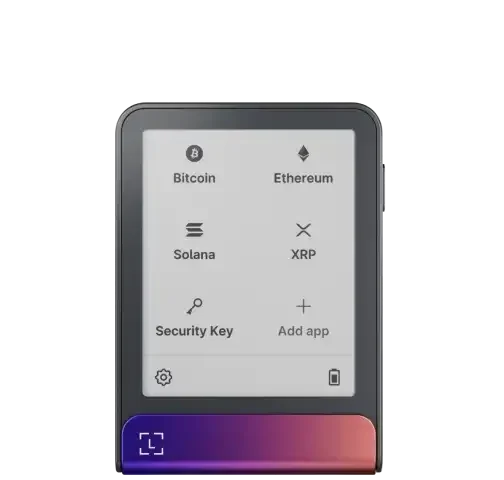
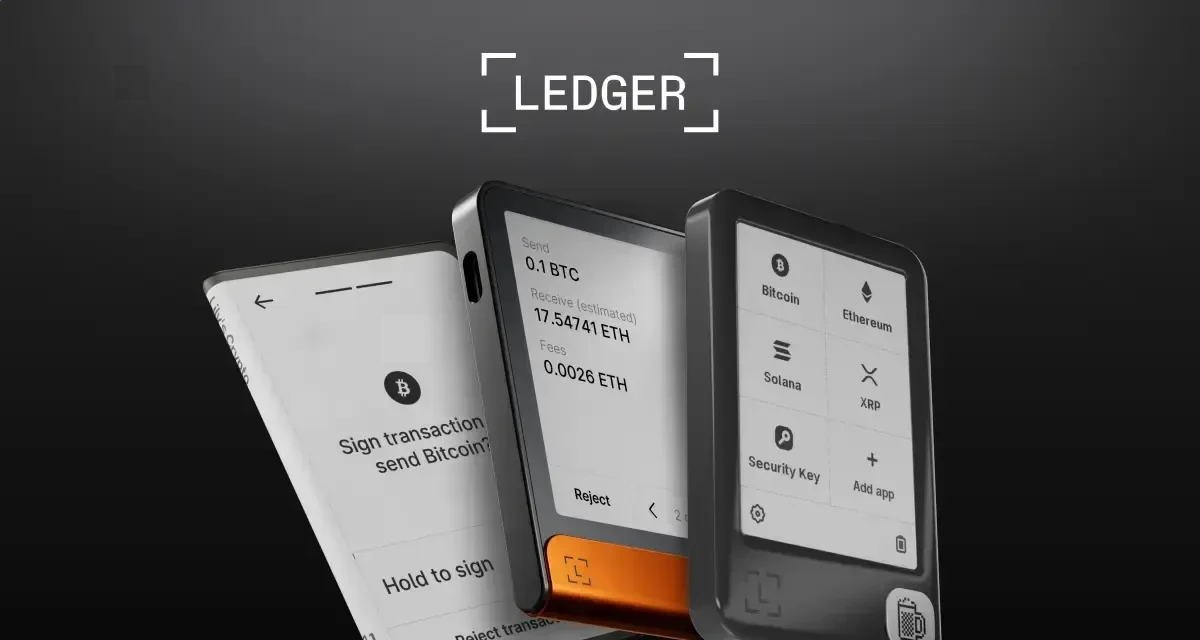
Importing the hardware wallet's phrase into a software wallet exposes those keys to that software environment, creating a different security arrangement. Assets transferred to a custodial service come under the provider's control. Changing an interface can preserve the account's signing arrangement. Transferring assets to a custodial account makes subsequent withdrawals depend on the provider.
Questions people ask about Ledgerlive
-
How does uninstalling a device app affect the assets associated with it?
- Uninstalling a blockchain application from the Ledger device does not remove its assets from the blockchain. The application supplies access and signing functionality. Reinstalling it restores that functionality when the device retains the same wallet configuration. Available device storage limits installed applications, rather than the number of assets that exist at its addresses.
-
What happens if a recovered account used an additional passphrase?
- A passphrase-protected account requires the original recovery phrase and the exact additional passphrase. The extra passphrase produces a different set of keys and addresses. Restoring the phrase alone accesses the ordinary accounts, not the passphrase-protected set. An app password or account nickname cannot substitute for this cryptographic input.
-
Can crypto arrive while the Ledger device and app are turned off?
- Crypto can arrive at an existing valid receiving address while the Ledger device and app are turned off. The blockchain processes the sender's transfer independently of the receiving hardware. The destination network must match the intended account. Turning the app back on allows it to refresh the display; it does not cause the blockchain payment.
-
Why does the portfolio's currency value change without a transfer?
- The portfolio's value in conventional currency changes when the market prices used for valuation change. That valuation is separate from the quantity of crypto in the account. Different quote availability or refresh timing can also affect the displayed estimate. A change in estimated currency value therefore does not by itself establish a blockchain transfer.
-
Does a device software update automatically activate Ledger Recover?
- A device software update does not automatically activate Ledger Recover. That recovery service requires an optional subscription and explicit authorization on a supported Ledger device to create its backup. It has eligibility and identity-verification requirements separate from the core app. Keeping and managing your own recovery phrase remains an available choice.
-
Will reinstalling Ledgerlive cancel a smart contract's spending permission?
- Reinstalling the app does not cancel a spending permission recorded on the blockchain. An applicable approval remains part of the account's on-chain state, independent of the local installation. Reducing or revoking it requires an appropriate blockchain operation. Disconnecting a dApp session also does not revoke such an approval.
-
Is Ledger Live available on both desktop and mobile devices?
- Ledger Live is available for Windows, macOS, Linux, iOS, and Android. The supported operating system version and connection method depend on the Ledger device and application environment. Availability of the app on a platform does not establish that every hardware model or integrated service works identically there.
-
Why can a token balance be insufficient to pay its transfer fee?
- A token balance cannot pay a transaction fee that requires a different native asset. The account also needs the fee asset unless the selected service supports another payment mechanism. The fee currency in the prepared transaction matters; a combined portfolio valuation does not show whether that specific balance is sufficient.